Improving Web Performance
Semantic HTML and SSR got me the scores below. My website is mostly static, yet I wanted to improve it a little bit more.
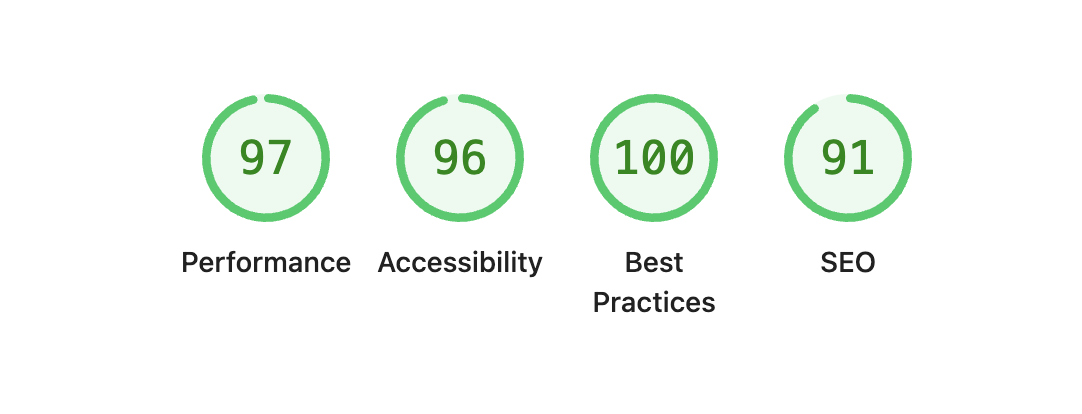
My goal is to get a 100 across for all metrics. The eventual state is:
- Performance: 100
- Accessibility: 100
- SEO: 100
Accessibility
Lighthouse complained that some of my links did not have enough contrast.
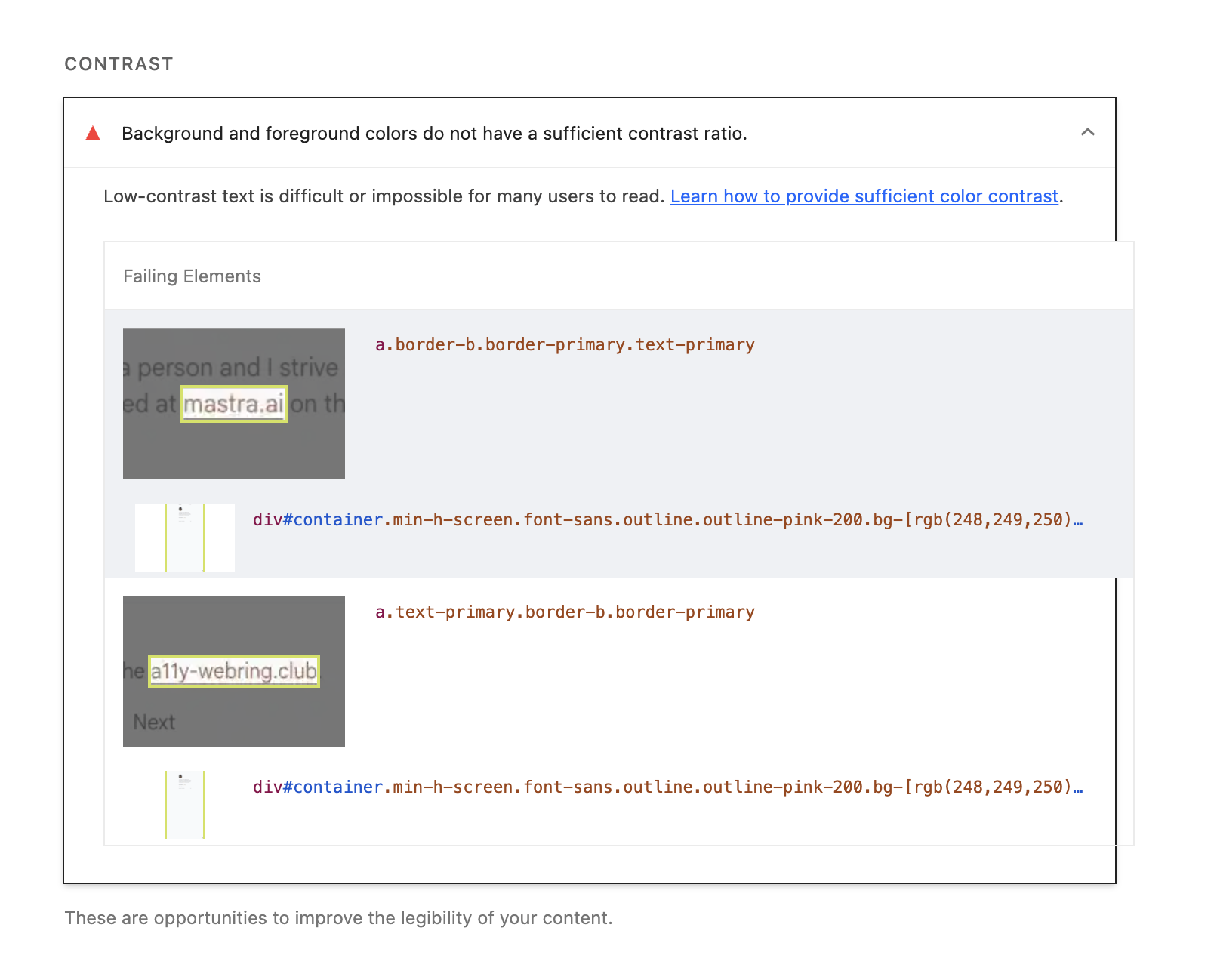
Using the WebAIM's contrast checker, my links fail three tests in particular.
- WCAG AA for normal text
- WCAG AAA for normal text
- WCAG AAA for large text
A, AA and AAA are conformance level of how accessible your website needs to be. They have varying level of strictness.1
With a final contrast ratio of 4.17:1. I need a contrast ratio of 7:1 for normal text and 4.5:1 or large text.
I wanted a color that's derivative from my profile image so I used Eagle to grab that. The new color is oklch(0.42 0.04 37.15) and results in a contrast ratio of 8.11:1. This passes all of WCAG's criteria.
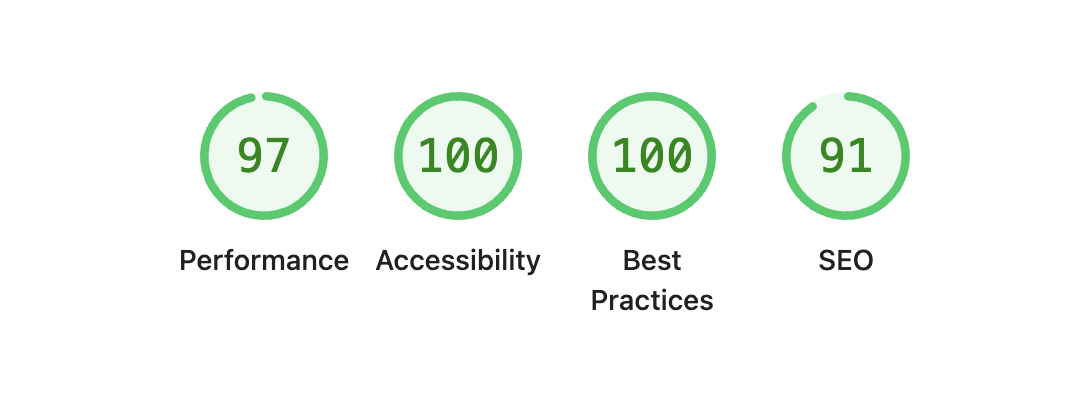
With that, I get 2 extra points, increasing a11y scores to 100.
SEO
SEO was impacted because my metadata lacked a meta description tag. The meta tag as explained by the Google Developer Docs provides a summary of a page's content that search engines included when users search for your site.
I was sure I added a description when setting up the metadata. I verified and it was there.
export const metadata: Metadata = {
  title: 'Kehinde Adeleke',
  description: 'Kehinde Adeleke"s portfolio website. Author: Kehinde Adeleke',
  icons: {
    icon: '/kehinde.ico',
  },
}
What was the cause of the false positive?
NextJS allows you to define metadata statically like above or dynamically with a generateMetadata function. Dynamic metadata generation is useful for dynamic content like my blog and craft pages.
All of this occurs server side so the metadata is rendered on the server and included in the initial HTML response which is sent to the browser. This should also work even with JavaScript disabled.
I think it's a bug with Lighthouse and there is even an open issue about the problem. It has stalled a bit but I'll add to the discussion.
The fix was to remove the description from the metadata object and then add that to the layout.tsx file.
...
<meta
  name="description"
  content="Kehinde Adekeke's website where he explores design and engineering"
/>
...
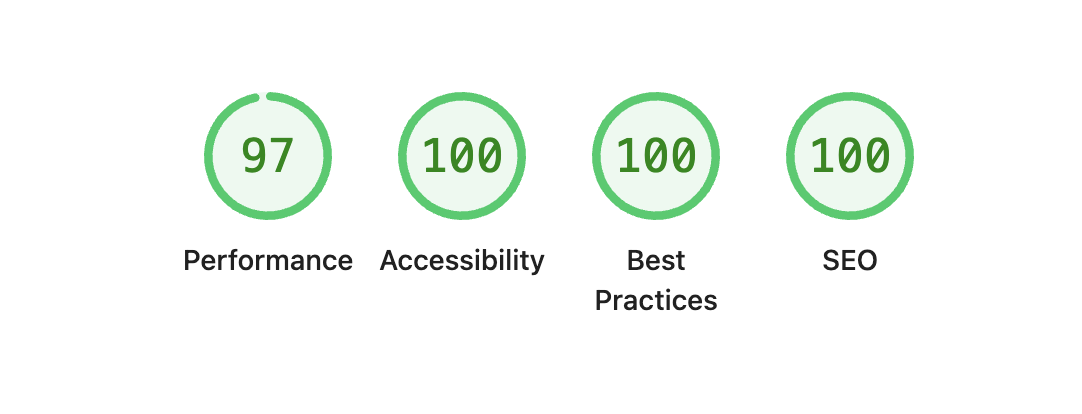
9 Extra points. I don't really like this solution because it feels a bit hacky so it's only good for one-off pages. For dynamic content, it will be not ideal.
Performance
97 is a pretty good score but it can be better.
The Devtools mention that JavaScript is not minified, there are unused JavaScript, and some payloads are enormous. I had a feeling that most of these was a result of the dev server.
The production build pipeline would minify and strip any unnecessary JavaScript from the NextJS bundle. So before optimizing, I ran pnpm build, opened the browser devtools and got this:

Conclusion
Optimizing websites is pretty interesting. Sometimes the gains are easy to spot but they can also take a lot more time to investigate and optimize. The gains are always worth it though, the faster and more accessible your sites, the more you can keep people on it for longer.